
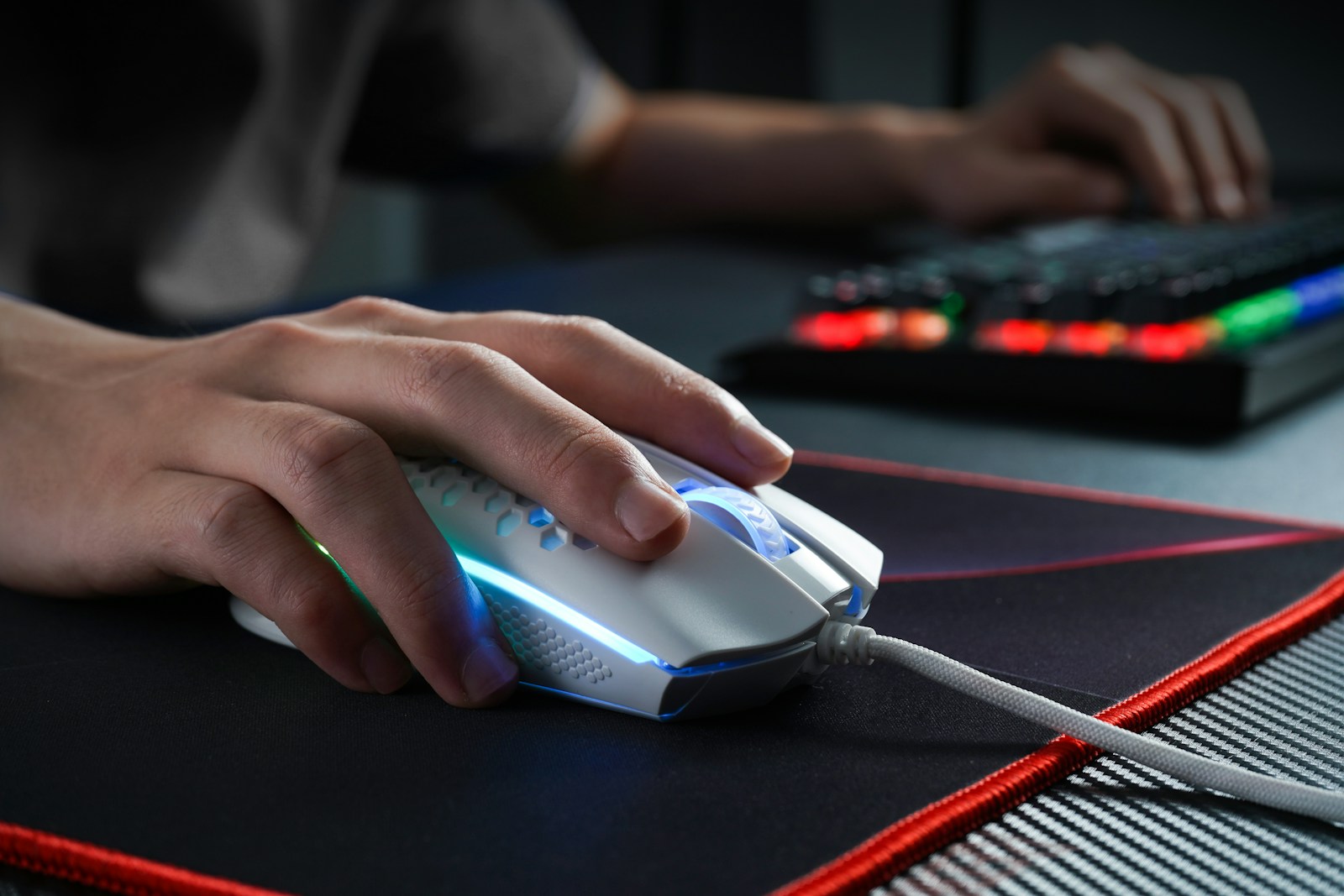
Why Your Mouse Actually Matters
Ever since gaming became a serious hobby, people have cared about 3 things. Performance. Precision. And comfort. And for the longest time, you could never really get all three in one mouse. You either had a mouse with a great sensor but it felt like holding a brick, or it was super comfortable but the tracking was all over the place. And the worst part? These were the expensive ones — the $80, $100, even more.
The budget options? Don’t even get me started. Bad sensors, cheap plastic, clicks that felt like pressing soggy bread. It was like disappointment, frustration, and buyer’s remorse all packaged into one peripheral.
But here’s the good news — gaming mice have come a LONG way. Today we have incredible options at every price point, and this guide is going to walk you through everything you need to know to find the one that’s perfect for YOU.
Let’s Talk About DPI — And Why You’re Probably Thinking About It Wrong
DPI — dots per inch — is the number every manufacturer loves to brag about. “16,000 DPI!” “25,000 DPI!” Sounds impressive right? Here’s the thing though — higher DPI does NOT mean a better mouse. It just means your cursor moves further on screen for every inch you physically move.
Here’s something that might actually shock you. Most professional gamers — the best players in the world — use somewhere between 400 and 1600 DPI. That’s it. What ACTUALLY matters is the quality of the sensor. There are two main types:
Optical Sensors: Use an LED light to track movement. Accurate, consistent, and the go-to for competitive gaming. The PixArt PAW3395 is one of the best out there right now.
Laser Sensors: Work on glossy surfaces but are more prone to inconsistencies at high speeds. Optical has basically taken over at this point.
Bottom line — don’t chase the highest DPI number. Chase the best sensor.
Wired vs. Wireless — The Debate That’s Finally Been Settled
For years, the answer was simple — if you were serious about gaming, you used a wired mouse. No exceptions. Wireless meant lag, and lag meant you lose. But just like how the laptop world got flipped upside down by new technology, the same thing has happened here.
Today’s premium wireless mice using 2.4GHz receivers are SO good that the latency difference versus wired is basically undetectable in real gameplay. Logitech’s LIGHTSPEED and Razer’s HyperSpeed technology have completely changed the game. The dream of a wireless mouse that performs like a wired one? We’ve finally achieved it.
That said, here’s what to keep in mind with wireless:
Battery life: The good ones last 40-95+ hours. The Logitech G Pro X Superlight 2 pushes past 95 hours. That is INCREDIBLE.
Charging: Look for USB-C. Don’t settle for micro-USB in this day and age.
Interference: Keep the USB receiver close to your mouse. A small extension cable can help a lot.
Ergonomics and Shape — The Thing Most People Completely Ignore
This is honestly the most important thing on this entire list, and it’s also the thing most people don’t think about until their hand is aching after a long session. The best sensor in the world means nothing if the mouse is uncomfortable to hold. There are 3 main grip styles:
Palm grip: Your full hand rests on the mouse. Best for relaxed, lower sensitivity play. Look at the Logitech G502 X or Razer DeathAdder V3.
Claw grip: Fingers are arched with only the tips and heel touching. The Zowie EC2 is a classic for this style.
Fingertip grip: Only your fingertips touch the mouse. Favored by fast, high-sensitivity players. The Razer Viper Mini was practically made for this.
Measure your hand from middle fingertip to wrist and use Rtings.com’s compatibility charts before you buy. And if you can try the mouse in person at a store — DO IT. No review replaces actually holding the thing.
How Much Should A Gaming Mouse Weigh?
Let me give you a quick breakdown before we go further:
Heavy = 100g+ (feels sturdy, can cause fatigue on long sessions)
Standard = 70-100g (the traditional range)
Lightweight = 60-70g (noticeable difference)
Ultralight = Under 60g (competitive players LOVE this)
The trend in the gaming world has pushed hard toward ultralight. Some mice like the Finalmouse Ultralight X weigh just 37 grams. That sounds like a fairytale right? But it’s real, and competitive players swear by it for faster, more precise movements with less fatigue over long sessions.
That said — lighter isn’t always better for everyone. If you prefer a heavier, more grounded feel, mice with adjustable weights like the Logitech G502 X let you customize exactly how it feels. Pretty awesome feature.
Polling Rate — Do You Really Need 4000Hz?
Polling rate is how often your mouse tells your computer where it is, measured in Hz. Standard is 1000Hz — that’s 1,000 position updates every single second. Some flagship mice now go up to 4000Hz or even 8000Hz.
Honest answer? For most players, 1000Hz is completely fine and you won’t notice a difference. The higher rates are for elite competitive players gaming at extremely high frame rates. Worth knowing: higher polling rates use a bit more CPU, which could matter on an older or budget system.
Buttons, Clicks, and Customization
For most gamers, 5 buttons is the standard — left click, right click, scroll wheel click, and 2 side buttons. That covers basically everything you need for FPS, battle royale, and general gaming.
If you’re into MMOs or MOBAs though, mice like the Razer Naga V2 or Logitech G600 pack 12 programmable thumb buttons. It sounds crazy at first, but once you map your abilities to them, you’ll wonder how you ever played without it.
Also pay attention to switch quality. Optical switches register via light instead of physical contact — they’re insanely fast, never double-click, and rated for 100 million clicks. Yes, 100 MILLION. Traditional mechanical switches are great too and some people prefer the satisfying tactile click feel.
Software and Onboard Memory
Most gaming mice come with companion software to customize DPI, button mapping, RGB lighting, and profiles. Logitech G Hub and SteelSeries GG are well loved by the community. Razer Synapse is powerful but some people aren’t fans of how heavy it runs.
Here’s a feature that doesn’t get talked about enough — onboard memory. This saves your settings directly onto the mouse itself so you don’t need software installed. Plug it in anywhere — a friend’s PC, a LAN event, a laptop — and your exact setup is ready to go immediately. If you travel or compete, this is a MUST. However, these are not that common and need precise research to find.
What’s Your Budget? Here’s What To Expect
Good news — you don’t need to spend $150 to get a great gaming mouse. Here’s a realistic breakdown:
$20-$40: Solid entry level options. The Logitech G203, SteelSeries Rival 3, and Razer DeathAdder Essential are all great picks here.
$40-$80: The sweet spot. This is where value really shines. Look at the Logitech G305 or SteelSeries Aerox 3 — both are INCREDIBLE for the price.
$80-$160+: Flagship territory. The Logitech G Pro X Superlight 2 and Razer DeathAdder V3 Pro live here. If you want the absolute best, this is where to look.
What Games Do You Play? That Changes Everything
FPS / Battle Royale: Precision and low latency are everything. Logitech G Pro X Superlight 2 or Razer Viper V3 Pro are the top dogs right now.
MMO / MOBA: You NEED extra buttons. Razer Naga V2 Pro or Logitech G600. No debate.
RTS: A solid all-rounder with reliable side buttons. The SteelSeries Aerox 5 is a great pick.
Casual Gaming: Comfort and value. Any well-reviewed mid-range mouse will serve you perfectly.
One More Thing — Don’t Sleep On The Mousepad
I know, I know — this is supposed to be a mouse guide. But hear me out. A great gaming mouse on a bad surface is like putting premium tires on a car and driving on gravel. Your sensor needs a proper surface to do its job.
Cloth pads like the SteelSeries QcK or Logitech G640 give you smooth, controlled movement and are the most popular choice by far. Hard pads offer a slicker, faster glide if that’s your thing. And if you’re a low-sensitivity player sweeping across the whole desk — get an XXL extended pad. Seriously, it changes everything.
Final Thoughts
There is no single best gaming mouse for everyone — only the best one for YOU. Your hand size, grip style, the games you play, and your budget all determine what the right pick is. But now you have everything you need to make that call with confidence.
If you can, go try some mice in person at your local electronics store before buying. And if not, check out Rtings.com, Rocket Jump Ninja on YouTube, and Hardware Unboxed for the most detailed, reliable reviews out there. Always check the return policy too — just in case it doesn’t feel right in hand.
Get the right tool for the job and your gaming experience will be NOTICEABLY better — trust me on that. I’ll be dropping individual mouse reviews very soon and they’ll be hyperlinked right here so you can jump straight to them. Thank you so much for reading and I hope you enjoyed my take and passion about this topic and many others at GadgetDreamers!
