
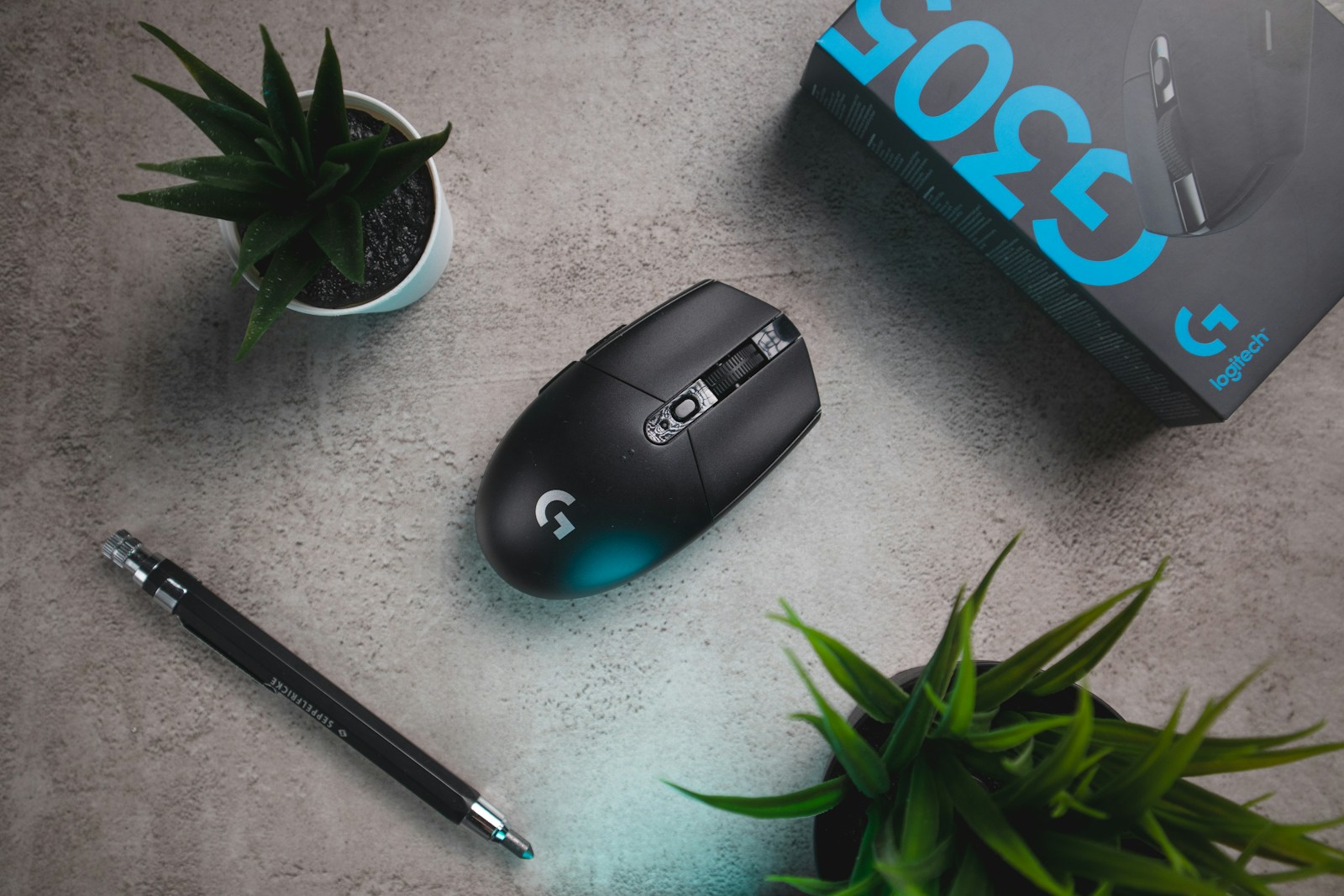
When we think of computers, the keyboard and screen usually come to mind. But the computer mouse has played an equally transformative role in today’s computer innovation. From its initial creation as a wooden box with wheels to today’s sleek, wireless optical devices, the mouse has gone through a tremendous evolution. It changed how we interact with machines and helped shape modern computing as we know it. Let’s take a deeper look at the computer mouse’s origins, innovative milestones, and cultural impact in depth.
The Birth of the Mouse: Douglas Engelbart’s Vision (1960s)
The Computer Mouse story begins with an engineer and visionary named Douglas Engelbart, who worked at the Stanford Research Institute (SRI) in the early 1960s. Engelbart’s mission was to make computers more interactive and perceptive tools, not just for calculation. In 1964, he and his colleague Bill English developed the first prototype of the mouse. This first mouse was a small wooden device with two perpendicular metal wheels on its underside. It looked much different from what we use today, but it allowed the user to move a cursor on a screen by physically dragging the device across a surface. Engelbart’s invention was publicly displayed in a presentation in 1968 which was famously called “The Mother of All Demo”, where he performed mouse and graphical user interfaces, hypertexts and video conferencing. At that moment, Engelbart called it an “X-Y Position Indicator for a Display System.” The nickname “mouse” came from the cord that trailed behind it—just like a tail.
Early Challenges and Competitors (1970s)
Despite its potential, the mouse didn’t immediately catch on. In the 1970s, most computers were still operated through punch cards or command-line interfaces. A handful of pioneering systems (jam?) experimented with the mouse, such as Xerox Alto, developed at Xerox PARC (Palo Alto Research Center). One of the first computers with a graphical user interface (GUI) and a mouse for navigation was the Alto, which debuted in 1973. However, the Alto was more of a research tool than a commercial product, and GUI-based systems weren’t widely accepted.
Other pointing tools, such as joysticks, trackballs, and light pens, were also being investigated at this time. The trackball, interestingly, actually predated the mouse—it was invented in the 1950s as part of radar systems. But it was less ergonomic and intuitive for the average user.
Mainstream Breakthrough: The Apple Revolution (1980s)
The mouse didn’t truly go mainstream until Apple Inc. brought it to the masses. Steve Jobs, having visited Xerox PARC in the late 1970s, was inspired by what he saw. He instructed his team to develop a more affordable and user-friendly version of the mouse for the upcoming Apple Lisa computer, released in 1983. The Lisa’s mouse had a single button, unlike Engelbart’s original version, and it used a rubber ball to track movement. Despite Lisa’s lack of commercial success, everything changed with Apple’s subsequent product, the Macintosh (1984). It introduced point-and-click computing to millions of people with its user-friendly graphical user interface and included mouse.
This era marked a shift from command-line interfaces to graphical environments, making computers more accessible to non-technical users.
Mechanical Mice and the Rise of Ball Tracking (1980s–1990s)
The standard mouse design throughout the 1980s and early 1990s was the mechanical mouse, which used a rubber or metal ball rolling on a surface. Internal rollers inside the mouse translated this movement into X and Y coordinates that moved the on-screen pointer. Mechanical mice soon became universal and were bundled with IBM PCs, Windows 3.1 machines, and virtually every desktop setup during the period. However, they had their drawbacks: dirt and dust could build up on the rollers, causing erratic movement. Regular cleaning was required, and over time, the ball could wear out or become misaligned.
The Optical Revolution: Enter the Light (Late 1990s–2000s)
Unlike mechanical mice, optical mice used an LED (usually red) and a tiny camera to capture thousands of images per second. A major breakthrough came in 1999, when Agilent Technologies (a spin-off of Hewlett-Packard) introduced the optical mouse. An onboard digital signal processor would analyze these images to detect movement, eliminating the need for a rolling ball altogether. The result? A smoother, more accurate, and maintenance-free pointing experience. In both home and office settings, optical mice swiftly took the place of mechanical mice as the new norm.
This transition was seamless for users but enormous for the industry. Optical mice worked on more surfaces, lasted longer, and offered improved precision—especially valuable for gamers, designers, and engineers.
The Wireless Leap: Freedom from the Cord (2000s)
As wireless technology matured, so did the mouse. Bluetooth and proprietary RF (radio frequency) protocols enabled mice to connect to computers without a physical cable. Initially, wireless mice had a reputation for lag, interference, and poor battery life, but these issues improved rapidly with advancements in battery efficiency and signal technology. Today, wireless mice are standard fare—ranging from budget-friendly USB dongle models to advanced Bluetooth-enabled gaming mice with lightning-fast response times and customizable buttons.
Laser Mice, DPI Wars, and Customization (2010s)
In the late 2000s and into the 2010s, optical mice saw further improvements with the introduction of laser sensors. These sensors offered even greater precision, allowing mice to work on glossy or transparent surfaces—something traditional optical mice struggled with. At the same time, gamers began demanding more from their hardware. Terms like DPI (dots per inch) became marketing points, as companies released mice with adjustable sensitivity levels, programmable buttons, ergonomic shapes, and RGB lighting. Brands like Logitech, Razer, and Corsair pushed the limits of what a mouse could do, turning it into a customizable weapon in both virtual battles and productivity workflows.
Touchpads, Touch Surfaces, and the Future (2020s and Beyond)
Interestingly, even as the mouse has become more advanced, it has also faced competition from entirely new forms of input: • Touchpads (popularized by laptops) • Touchscreens (standard on tablets and smartphones) • Trackpoints (small pointing sticks on some laptops) • Styluses and digital pens for tablets and design work • Voice control and gesture recognition (such as Microsoft Kinect or Leap Motion) • Eye-tracking and brain-computer interfaces in experimental phases Still, the mouse persists. It remains the preferred tool for precision tasks like photo editing, 3D modeling, and competitive gaming. The form has diversified—vertical mice for ergonomic support, compact mice for travel, and even hybrid touch mice that blend traditional input with touch-sensitive surfaces. The future might even hold adaptive shape-shifting mice, haptic feedback systems, or AI-assisted movement prediction—all aiming to make interaction faster, easier, and more human.
How The Mouse Revolutionized Society
The evolution of the mouse isn’t just a tale of hardware—it’s a story about how humans communicate with machines. Before the mouse, using a computer meant memorizing commands and typing them line-by-line. The mouse made computing visual, tactile, and intuitive. It turned abstract code into clickable icons, opening the digital world to a broader audience. In many ways, the mouse helped democratize computing. It made personal computers usable not just for programmers and scientists, but for artists, writers, students, and everyday users. It played a pivotal role in the rise of desktop publishing, digital art, gaming, and interactive design.
Conclusion
From a wooden block with wheels to a high-precision optical tool, the computer mouse has come a long way. It’s not just a peripheral—it’s a symbol of how far user-friendly computing has come, and how our relationship with technology continues to evolve. Even in a world filled with touchscreens and voice commands, the mouse remains a trusted companion. It adapts, it improves, and—at least for now—it stays right at our fingertips.
